Academic Pandoc template
Quarto templates for academic articles, presentations, and theses. The repository keeps editable sources and rendered outputs together so users can write in plain text and still commit PDFs, Word files, slide decks, and TeX output.



| source | article | presentation | thesis |
|---|---|---|---|
| edit | 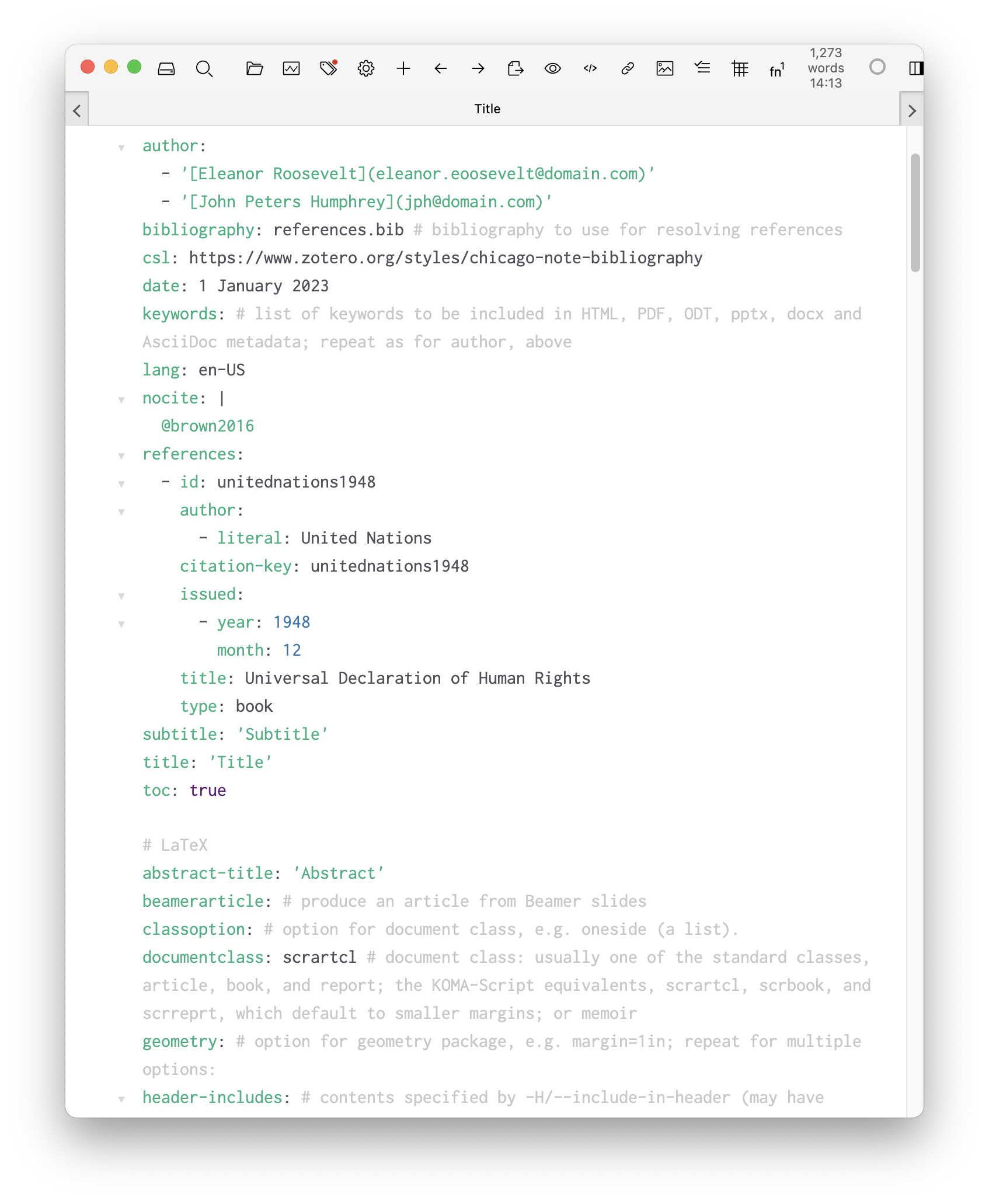 |
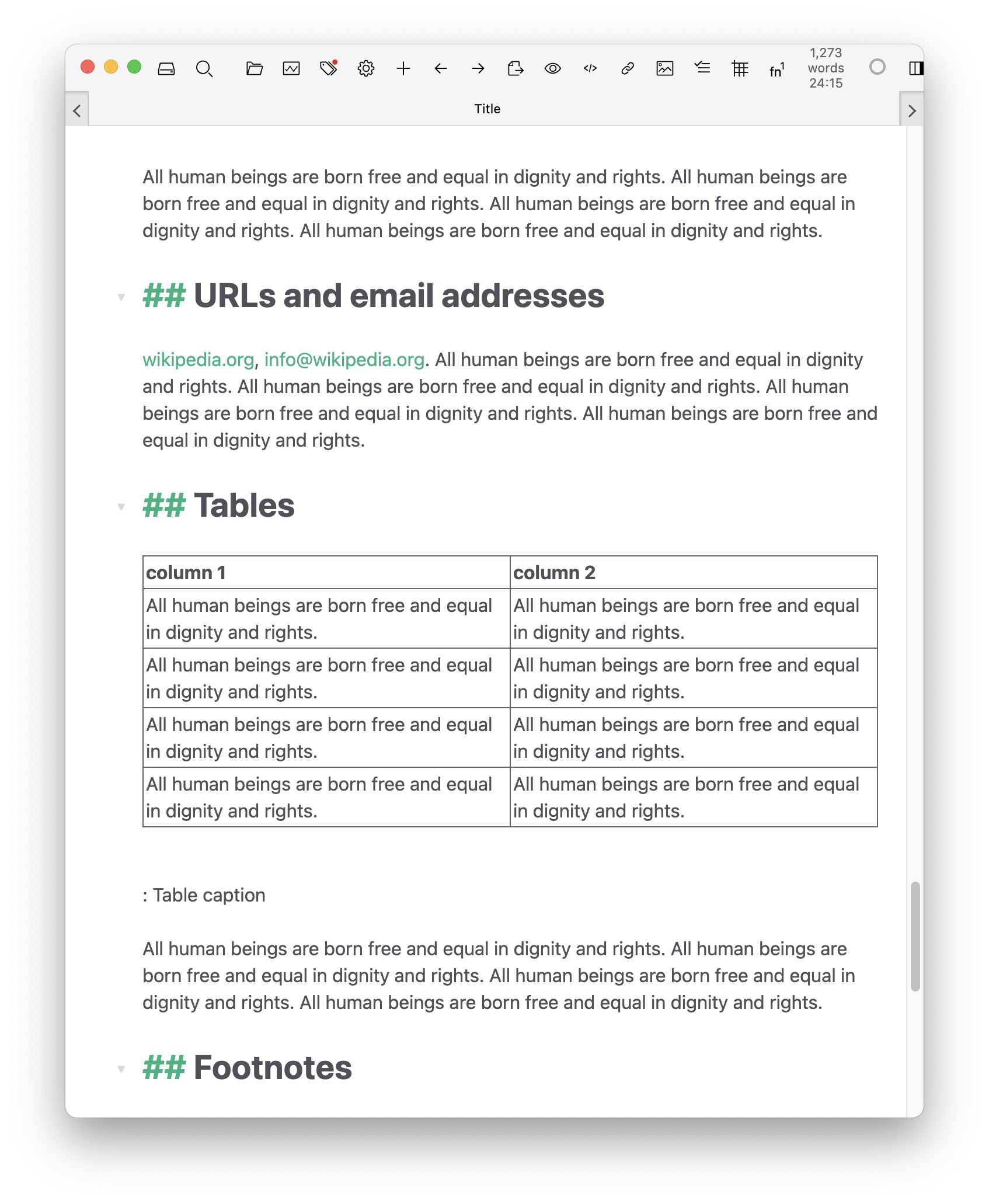 |
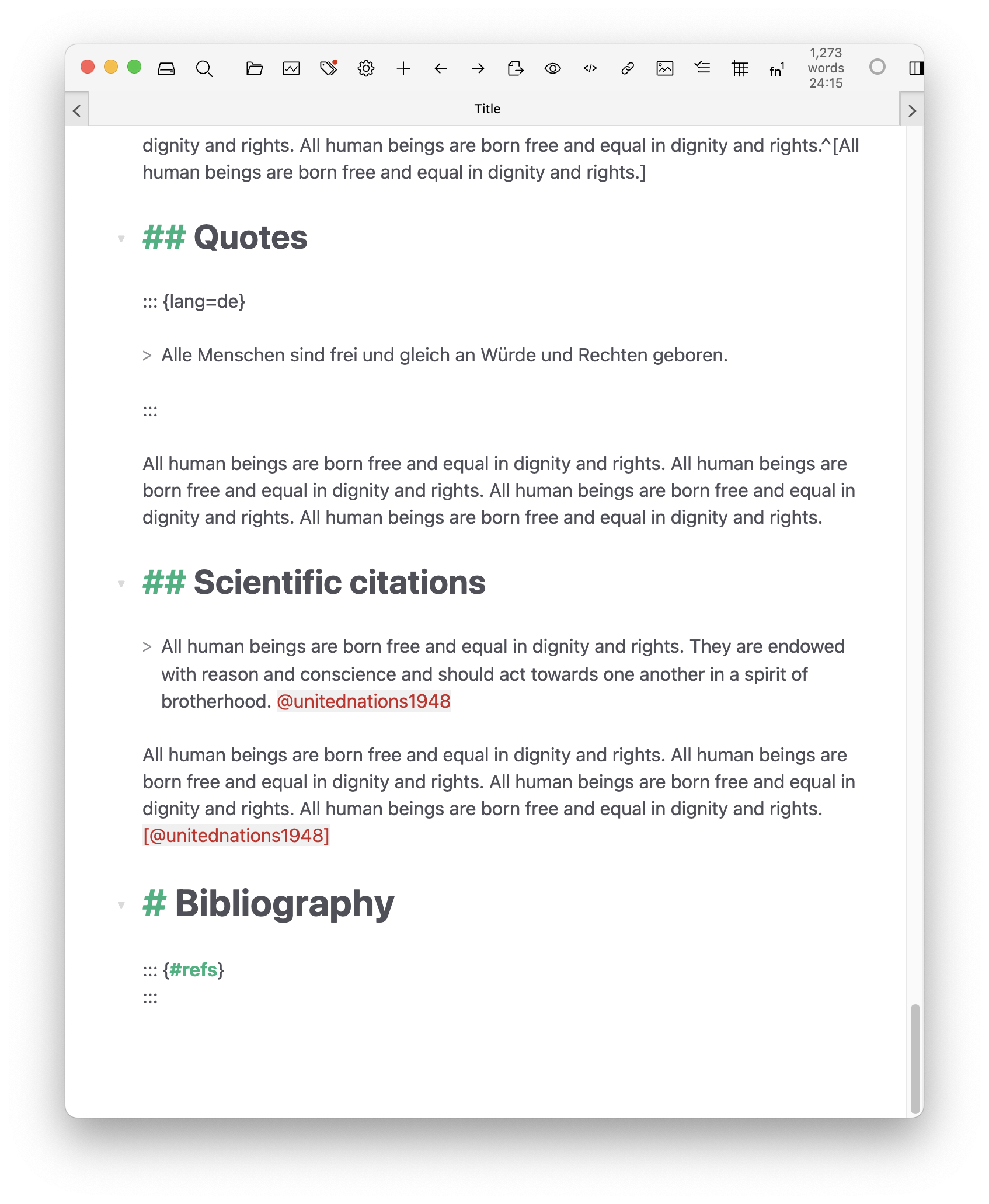 |
| html | 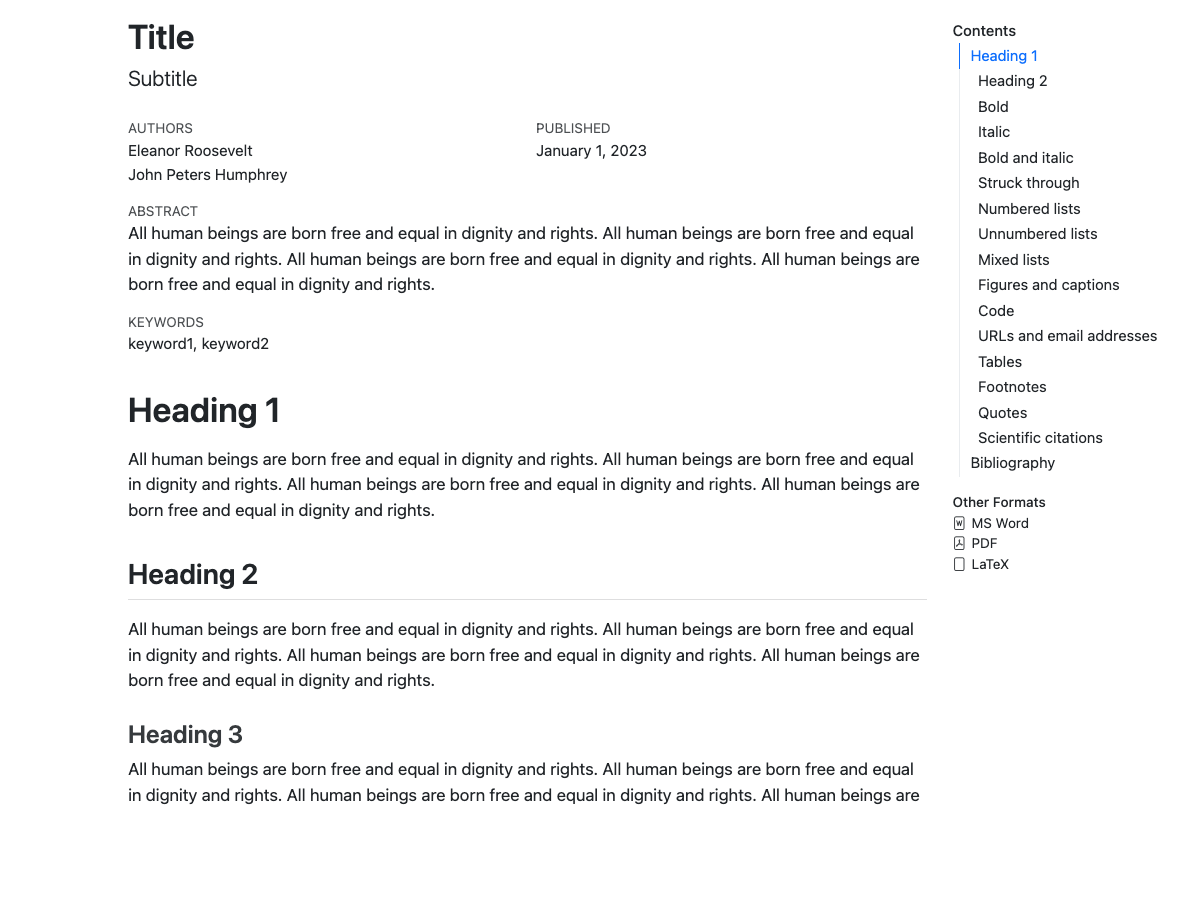 |
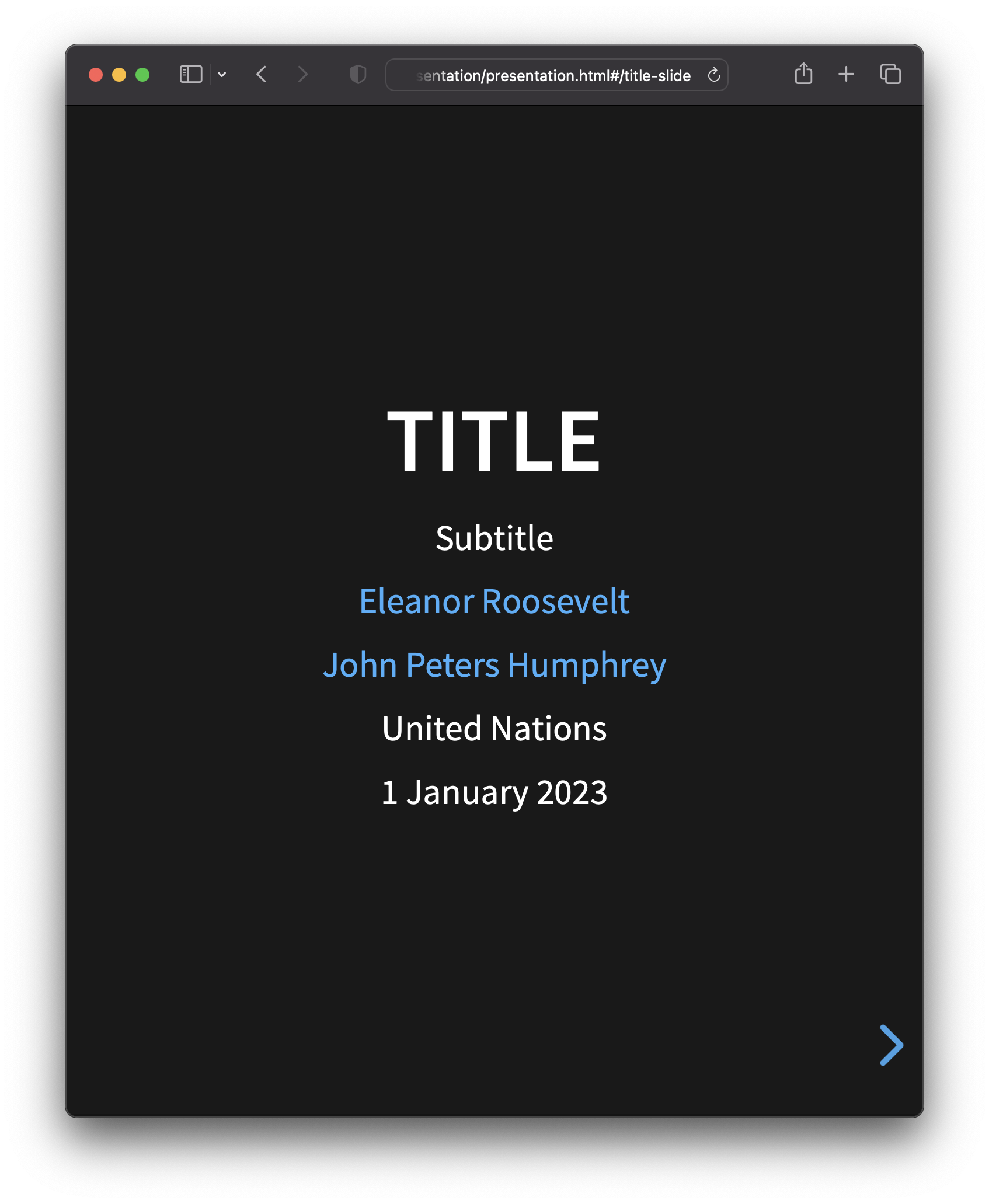 |
|
| docx | 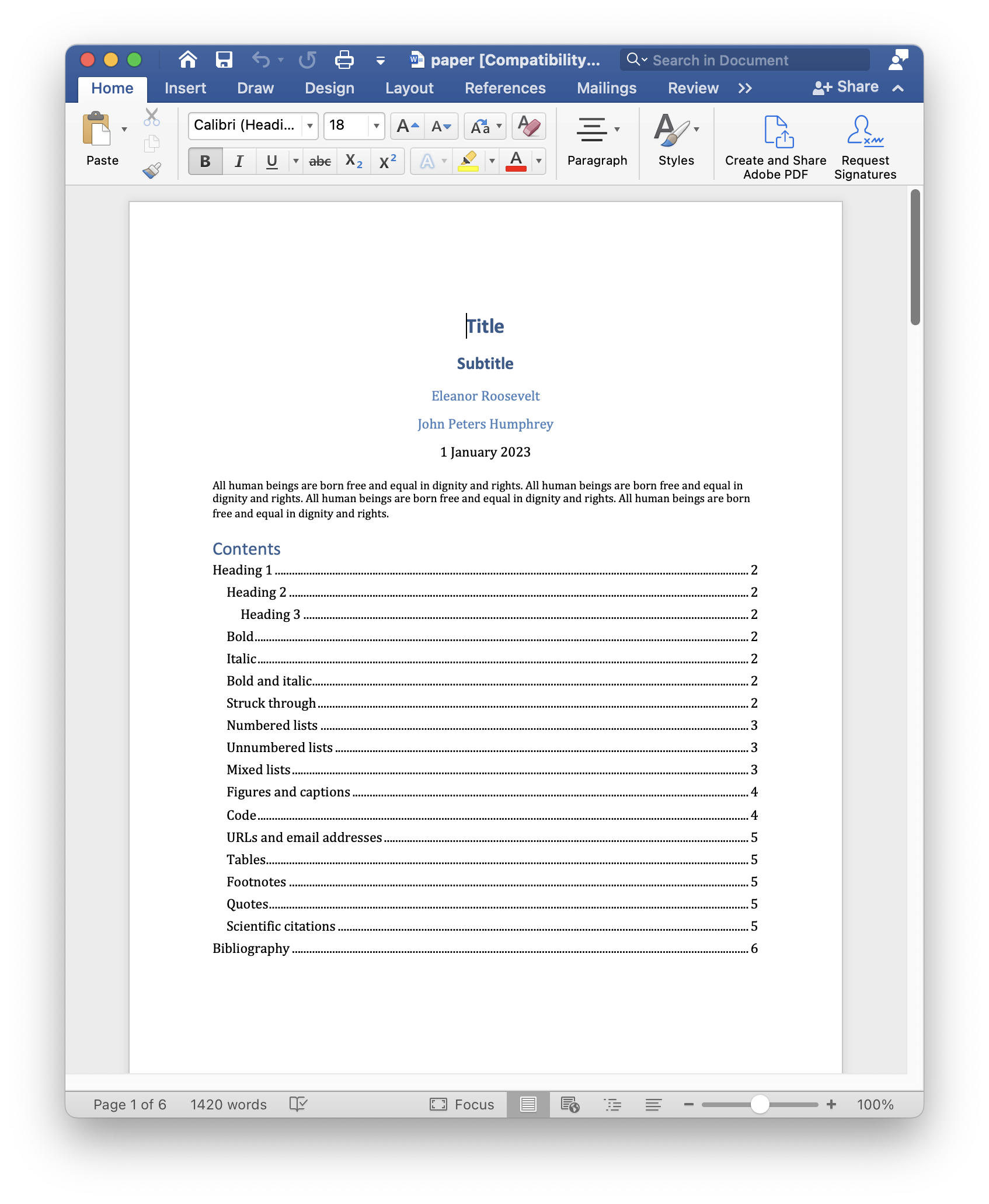 |
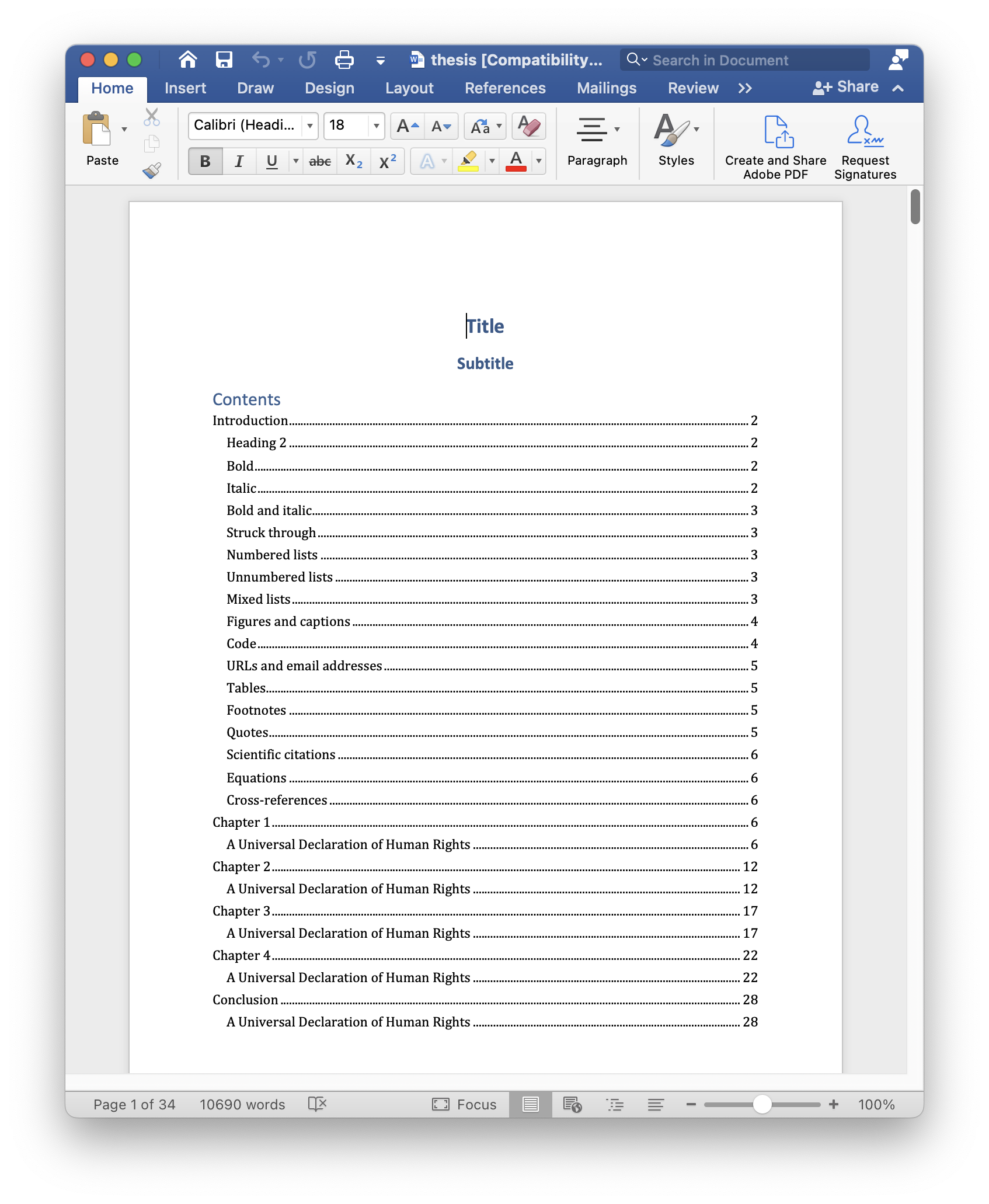 |
|
| epub | 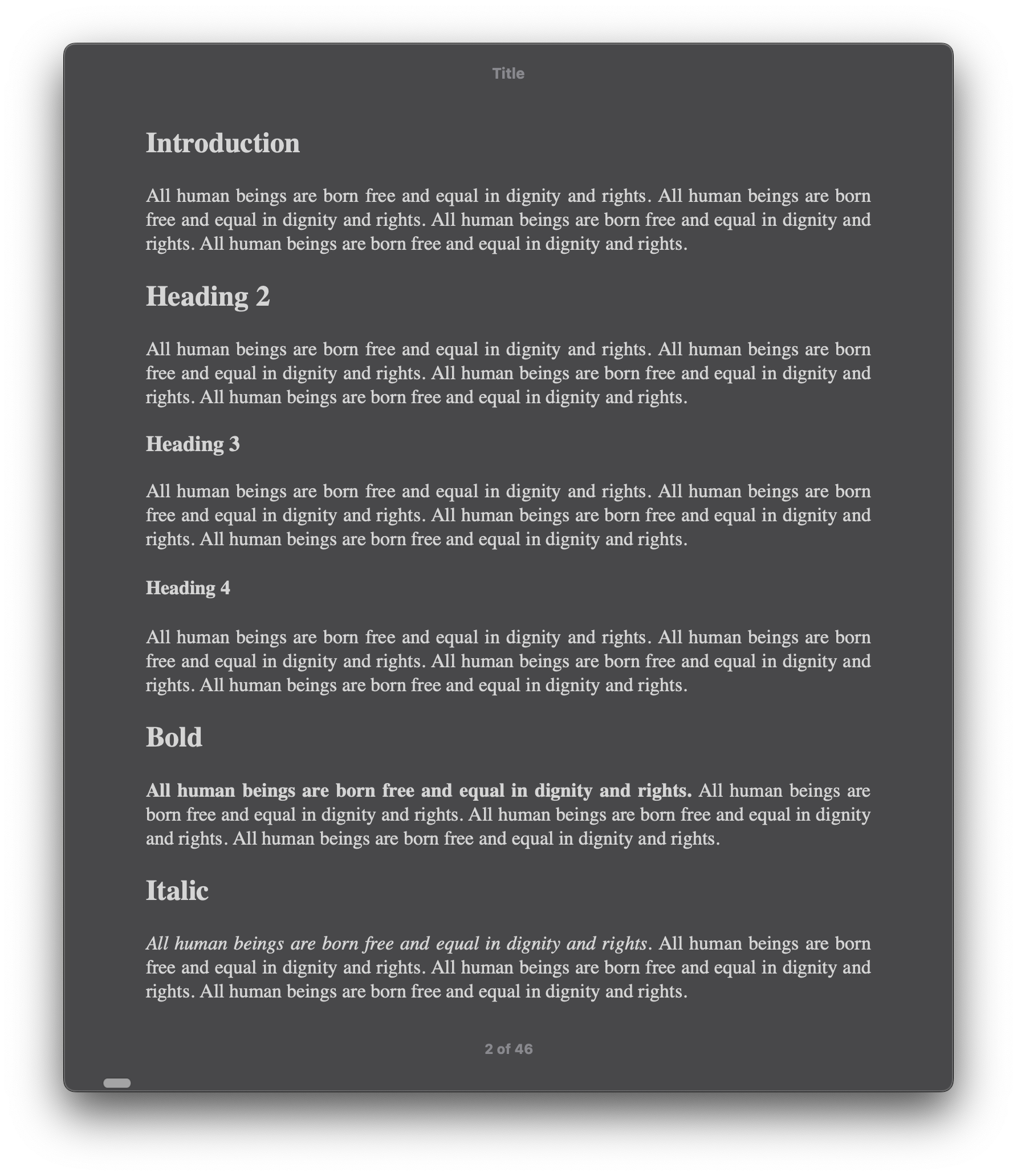 |
||
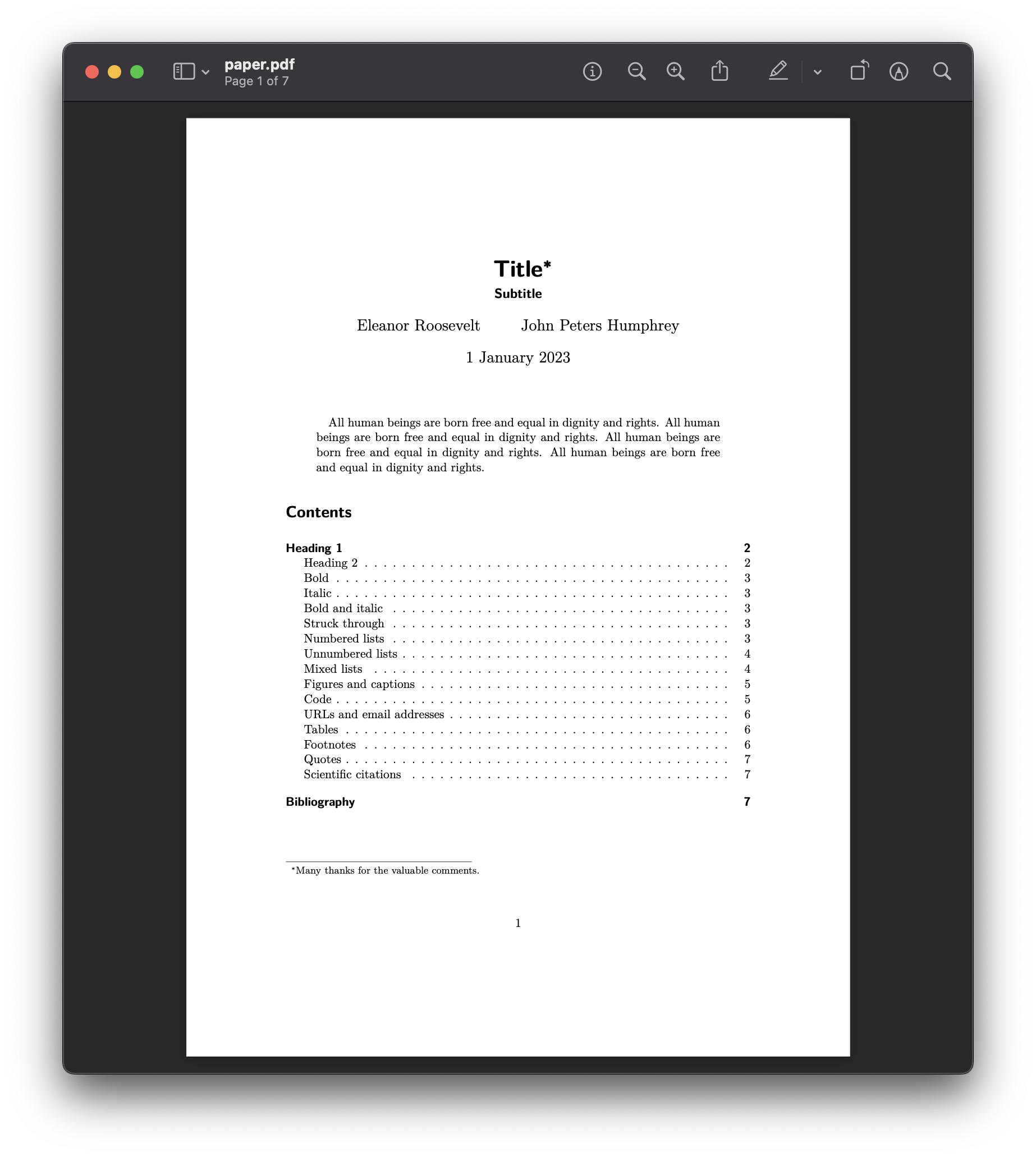 |
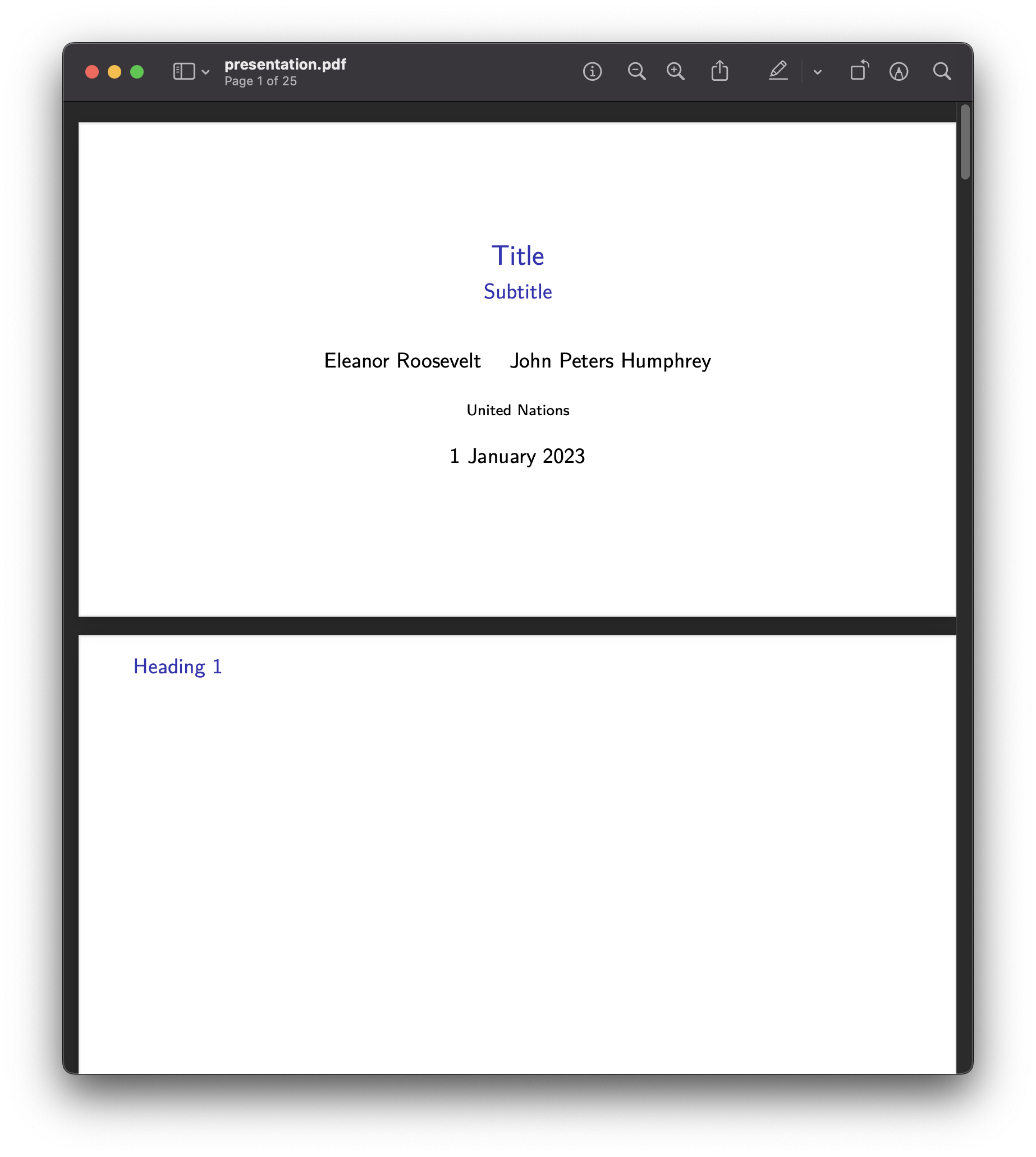 |
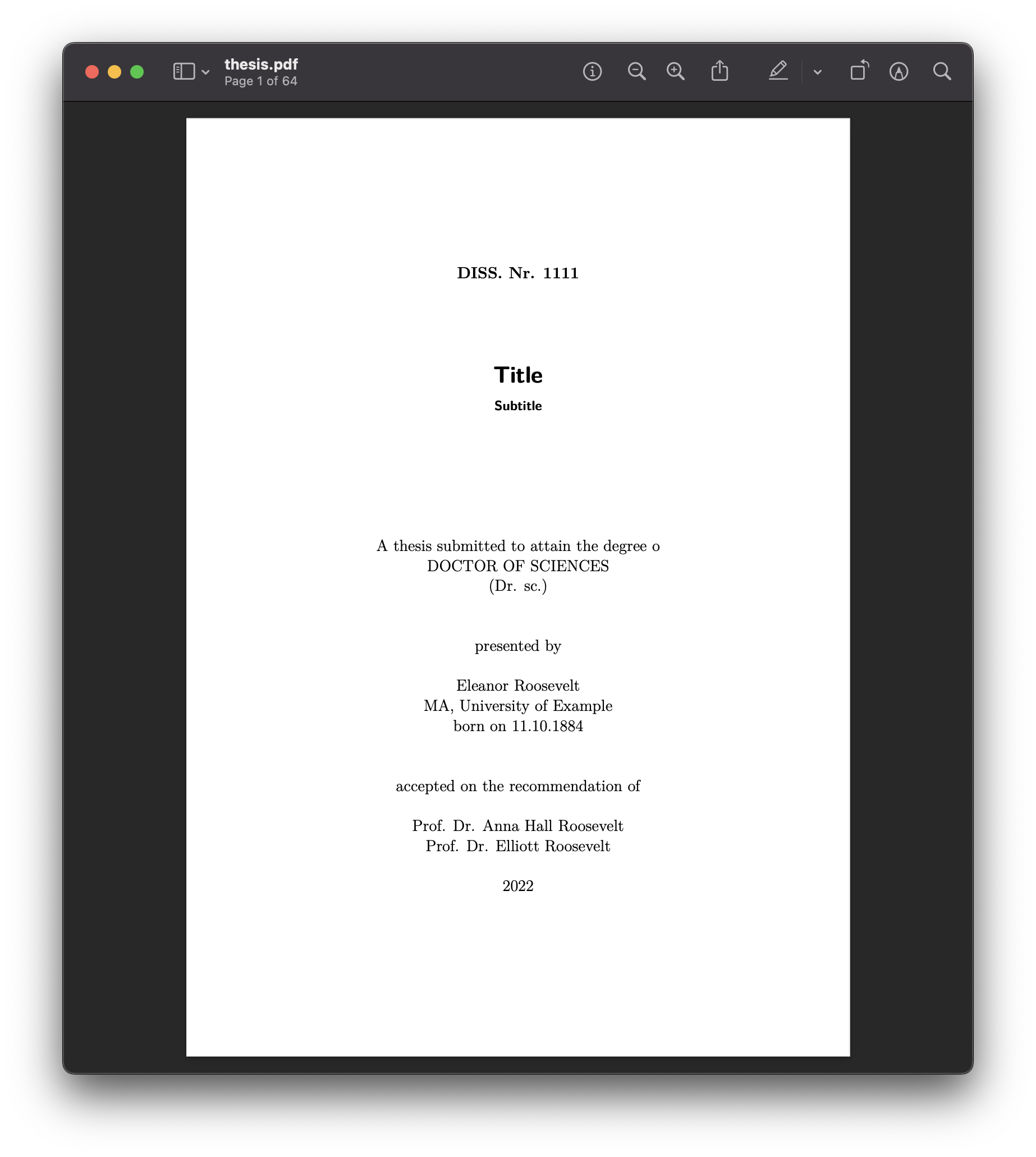 |
|
| pptx | 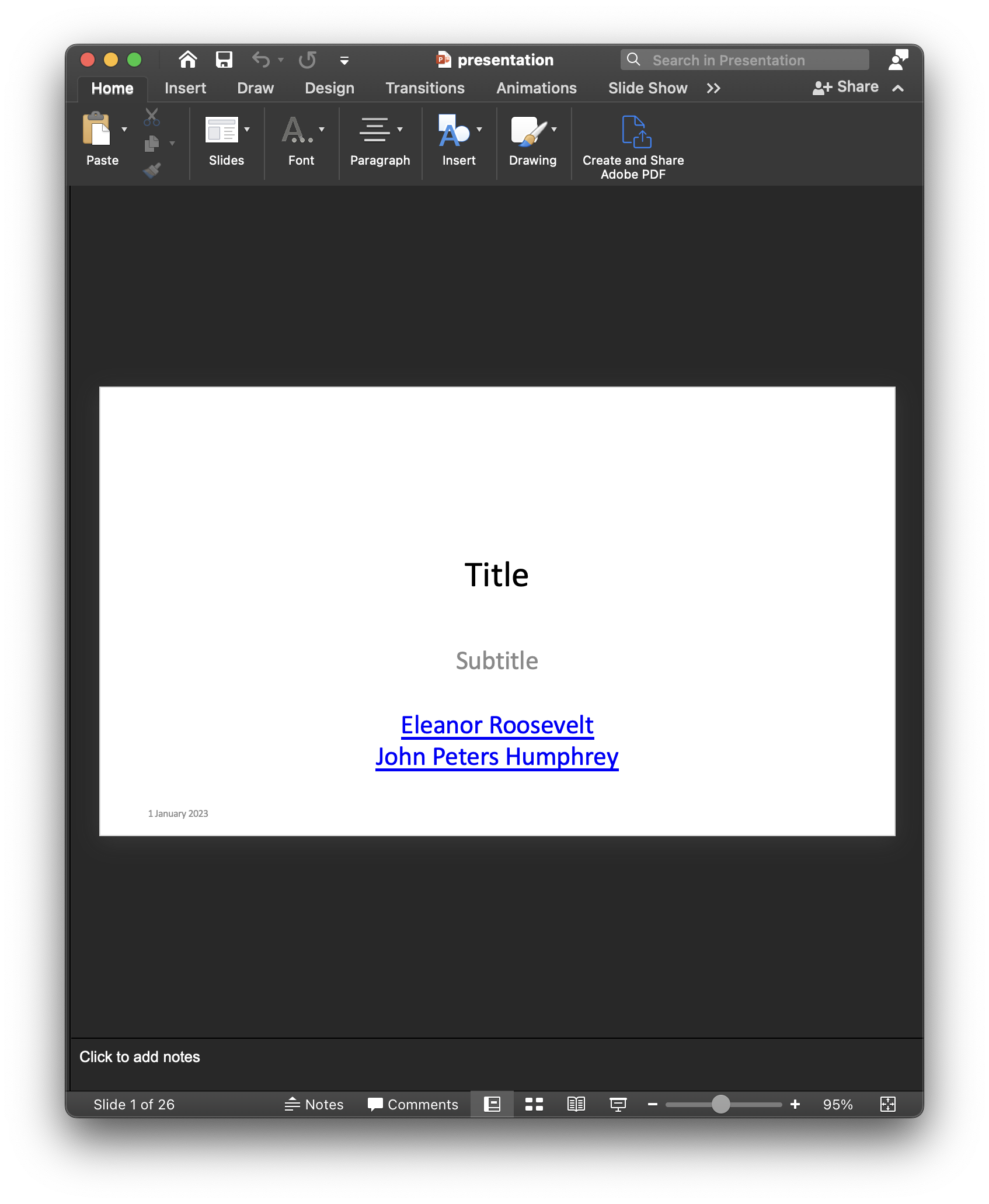 |
||
| tex | 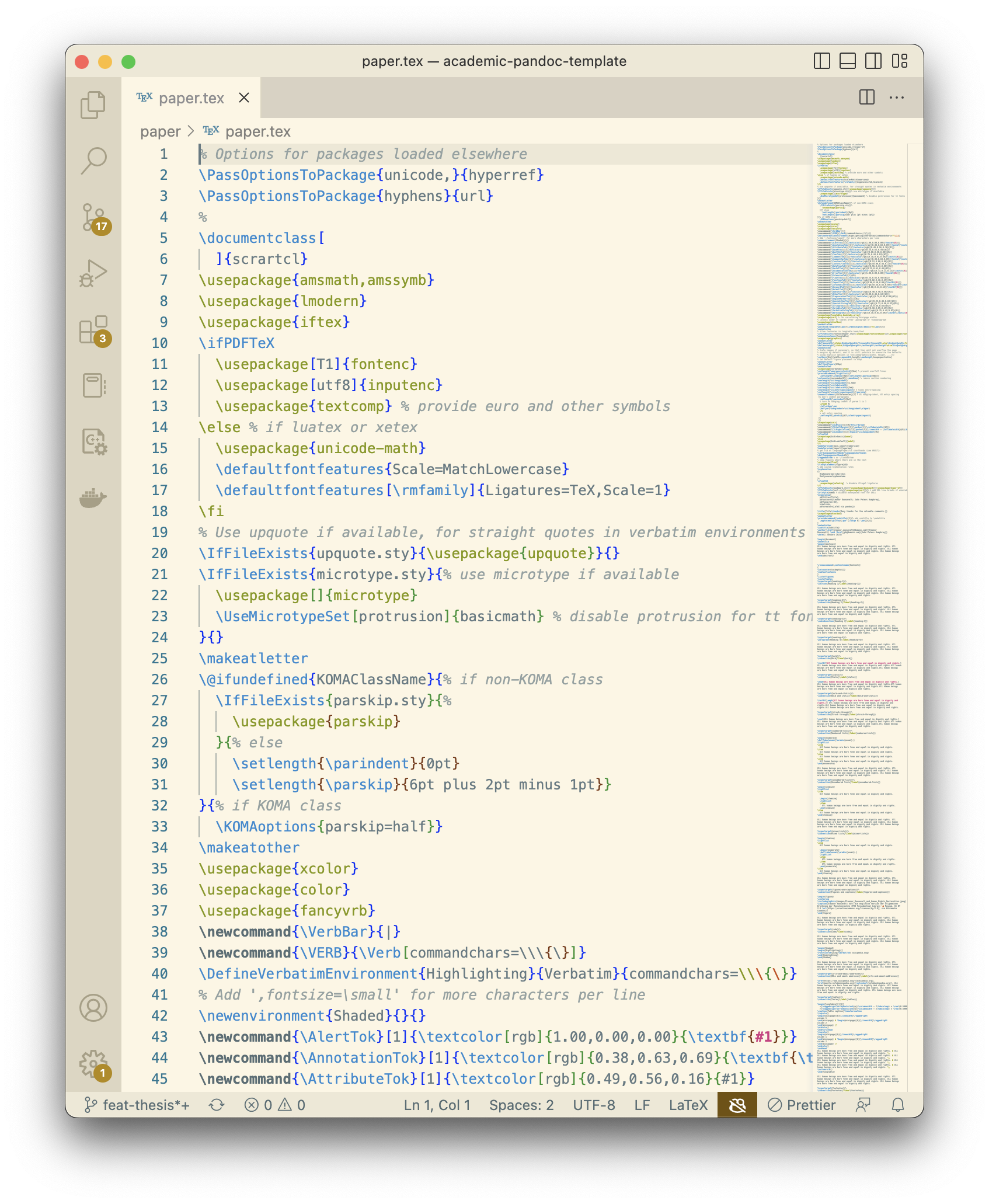 |
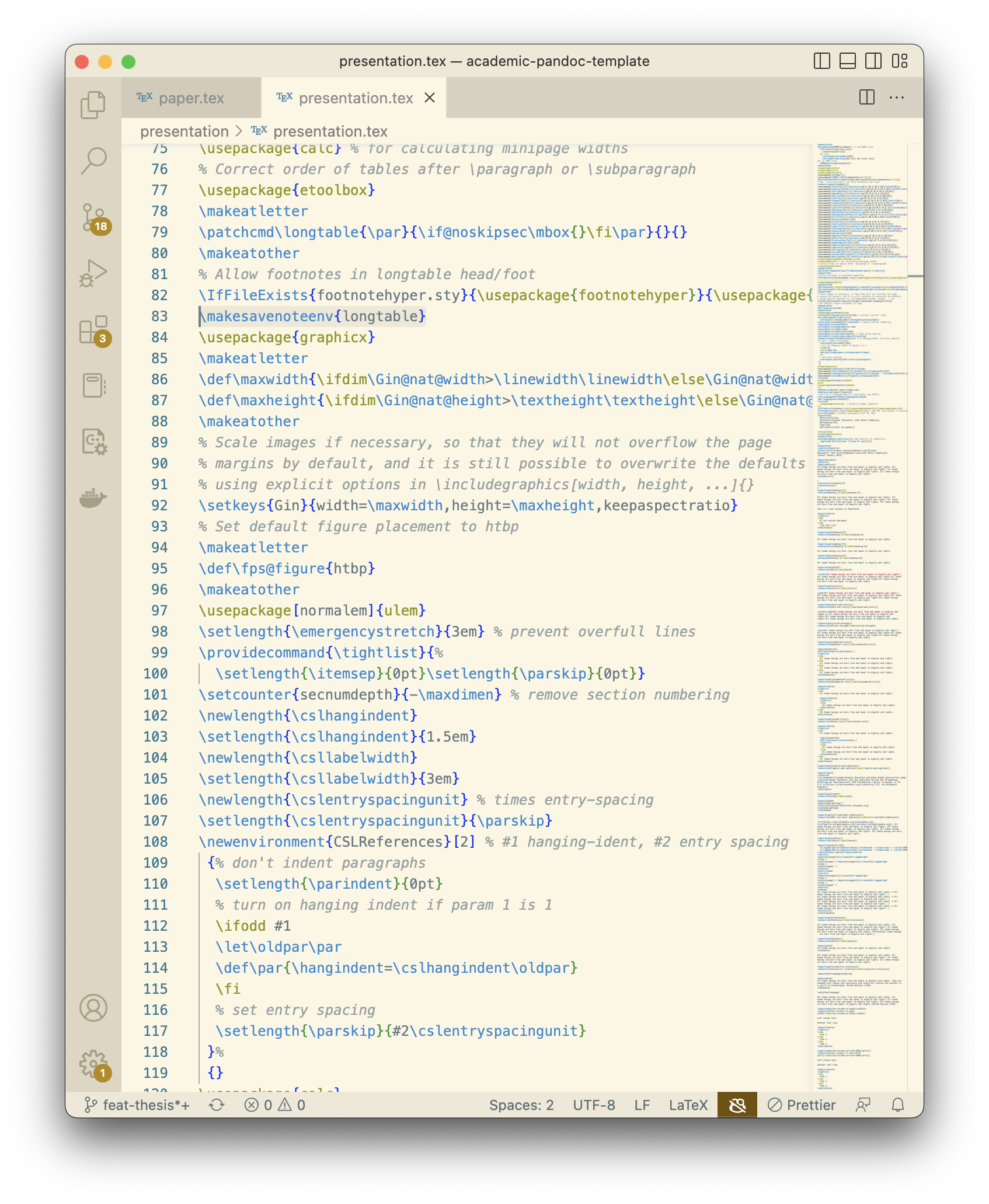 |
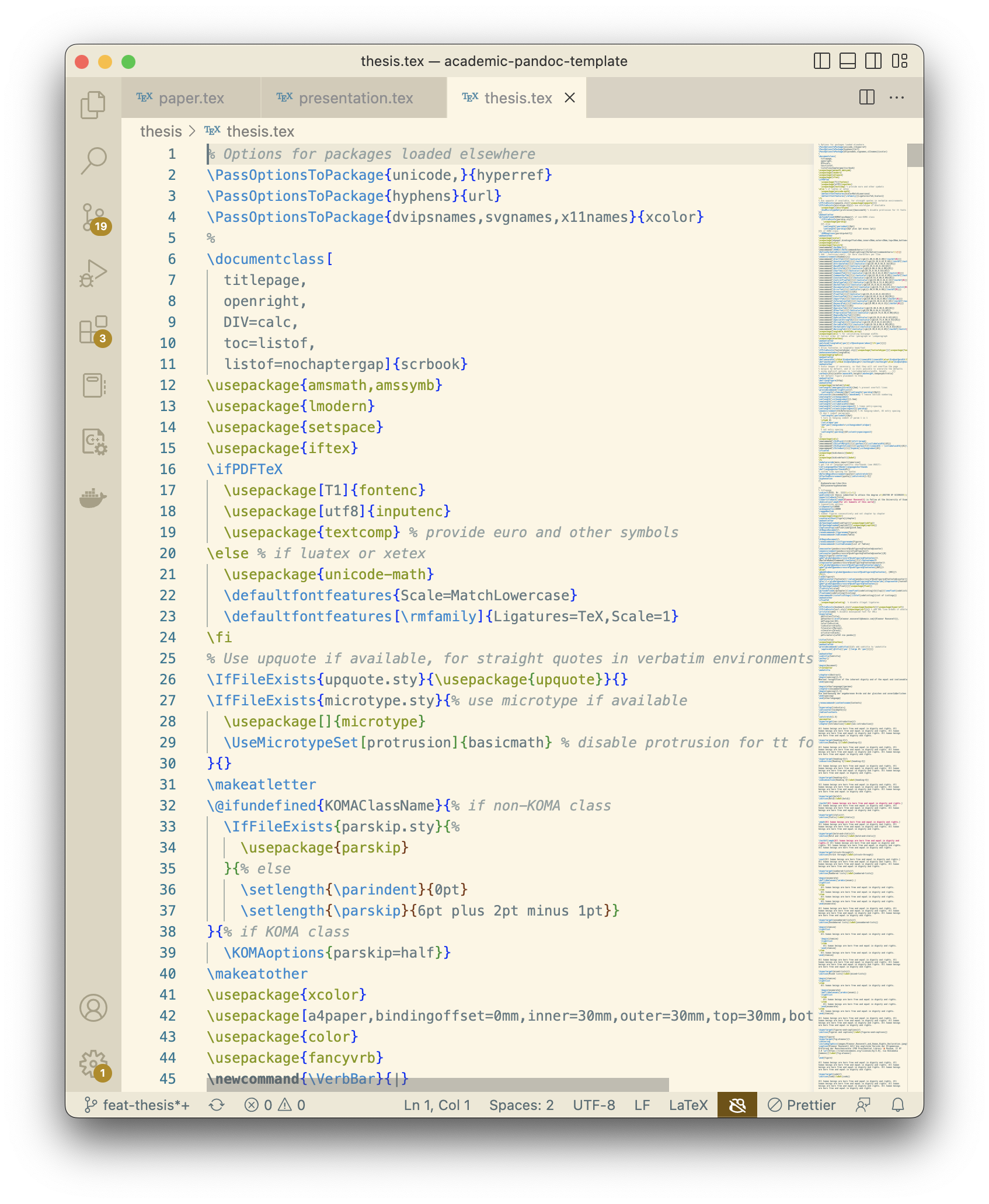 |
Getting Started
You can use this template entirely on GitHub, or build the documents locally if you are comfortable installing tools.
Use The Template On GitHub
- Click Use this template to create your own copy of this repository. You can also fork this repository.
- Edit the document you want to write:
- Article: article/article.md
- Presentation: presentation/presentation.md
- Thesis: files in thesis/, starting with thesis/index.qmd
- Edit titles, authors, dates, and other document settings in the matching
_metadata.ymlfile:- Article: article/_metadata.yml
- Presentation: presentation/_metadata.yml
- Thesis: thesis/_metadata.yml
- Edit references in the matching
references.bibfile:- Article: article/references.bib
- Presentation: presentation/references.bib
- Thesis: thesis/references.bib
- Commit your changes.
- Open the repository’s Actions tab, select the Quarto workflow, and click Run workflow.
- When the workflow finishes, the rendered files such as PDF, Word, HTML, EPUB, PowerPoint, and TeX are committed back to the repository.
You can edit Markdown files online on GitHub, with Zettlr, or with another Markdown editor. If you are new to Markdown, start with The Markdown Guide. You can edit BibTeX references online, with JabRef, or with your favorite BibTeX editor.
Build Locally
Use this template, edit one of the document sources, and run the Quarto build. The npm scripts render the root documentation site and each document-specific Quarto project.
Prerequisites
Build
npm run renderPreview the documentation site locally:
npm run previewDocument-specific previews are available with npm run preview:article, npm run preview:presentation, and npm run preview:thesis.
Useful render scripts:
npm run render:articlerenders all article formats.npm run render:presentationrenders RevealJS, Beamer PDF, PowerPoint, and TeX outputs.npm run render:thesisrenders Word, EPUB, PDF, and TeX thesis outputs.npm run render:article:pdf,npm run render:presentation:pptx, ornpm run render:thesis:docxrender a single format.
You can also call Quarto directly:
quarto render
quarto render article --to pdf
Structure
_quarto.ymldefines the root Quarto documentation website._brand.ymldefines shared branding metadata for the documentation website.article/_quarto.yml,presentation/_quarto.yml, andthesis/_quarto.ymldefine the render targets for each document type.article/_metadata.yml,presentation/_metadata.yml, andthesis/_metadata.ymlhold document metadata.article/index.qmdis an ordinary Quarto document entrypoint that includesarticle.md.presentation/index.qmdrenderspresentation.mdto RevealJS, Beamer, PowerPoint, and TeX.thesis/index.qmdincludes chapter files such as00_Introduction.mdand keeps separate bibliographies for sources and literature.assets/csl/contains citation styles shared by the examples.
Configuration
Edit the relevant _metadata.yml file to change titles, authors, and bibliographies. Render targets and format options belong in the document-specific _quarto.yml files.
Quarto-native cross-reference labels use hyphens:
{#fig-example}
See @fig-example.Linting And Formatting
Install dependencies:
npm installCheck or format files:
npm run check
npm run format
Continuous Integration
The Quarto workflow installs npm dependencies, Quarto, and TinyTeX, runs formatting checks, renders all documents with npm run render, and commits updated artifacts back to the repository when manually triggered.
Built With
Contributing
Please read CONTRIBUTING.md for details on the code of conduct and pull request process.
License
This project is licensed under the MIT License. See LICENSE.md for details.
Acknowledgments
- Sarah Simpkin, “Getting Started with Markdown,” Programming Historian 4 (2015), https://doi.org/10.46430/phen0046.
- Dennis Tenen and Grant Wythoff, “Sustainable Authorship in Plain Text using Pandoc and Markdown,” Programming Historian 3 (2014), https://doi.org/10.46430/phen0041.