GitHub Template for FAIR and Open Research Data
Create a clear, citable, and reusable research data repository from this structured, ready-made template.
This framework gives research teams a practical structure for data, code, documentation, citation metadata, website publishing, and Zenodo archiving. It follows FAIR and open science principles and uses Quarto, GitHub Pages, Zenodo, and repeatable local checks.




[!IMPORTANT] This
README.mddescribes the template repository itself. If you created a new repository from this template, start with TODO.md, then customize README.template.md, CITATION.template.cff, CODE_OF_CONDUCT.template.md, SECURITY.template.md, CHANGELOG.template.md, and any neededproject-management/*.template.mdfiles as directed there.
Start Here
- Create a new repository with Use this template.
- Open the repository in GitHub Codespaces or clone it locally.
- Install dependencies and start the Quarto preview.
npm install
npm run prepare
npm run preview- Work through TODO.md to customize placeholders, configure GitHub and Zenodo, validate the site, and prepare the first release.
- Edit
index.qmdas the public homepage for your project. - Finalize
README.template.mdand any neededproject-management/*.template.mdscaffolds by replacing placeholders and removing.templatefrom the filenames.
What You Get
The publication workflow follows the BfR ToDo-Liste für die Publikation von Forschungsdaten:
| Need | Included support |
|---|---|
| Data reuse | Standard folders for data, analysis, source code, tests, and docs |
| Public website | Quarto site configured for GitHub Pages |
| Citation | CITATION.cff, Zenodo DOI workflow, and separate data/code licenses |
| Project setup | TODO.md checklist for placeholders, settings, validation, and release |
| Reproducibility | npm, uv, renv, Prettier, Ruff, ty, styler, lintr, and Prek hooks |
| Community health | Issue templates, contribution guide, code of conduct, and security file |
Repository Layout
The layout follows the Advanced Structure for Data Analysis from The Turing Way:
| Path | Purpose |
|---|---|
analysis/ |
Notebooks and analysis scripts |
assets/ |
Images and media |
data/ |
Datasets and data documentation |
documentation/ |
Extended methods, workflows, dictionaries, or guides |
project-management/ |
Planning, roles, communication, and reports |
src/ |
Source code for collection, processing, or analysis |
test/ |
Tests for code and data validation |
Write Each Thing Once
| File | Use it for |
|---|---|
README.md |
Short GitHub front door: purpose, folders, citation, support, license |
TODO.md |
Setup tasks: placeholders, GitHub settings, validation, release checklist |
index.qmd |
Public website: project story, data overview, reuse guidance |
Long methods, data dictionaries, workflows, and decision records belong in documentation/ or project-management/.
Common Commands
| Task | Command |
|---|---|
| Install dependencies | npm install |
| Install Git hooks | npm run prepare |
| Preview documentation | npm run preview |
| Check formatting | npm run check |
| Format files | npm run format |
| Lint Python | uv run ruff check |
| Type-check Python | uv run ty check |
| Preview changelog entries | npm run changelog:unreleased |
| Generate changelog | npm run changelog |
Run the language-specific checks only when your project uses that language. See TODO.md for the full setup, validation, and release sequence.
Selected Use Cases
The template has been applied across domains including public history, political science, digital humanities, teaching infrastructures, and living publication projects. These examples come from the “One Template to Rule Them All” presentation.
Research Data Documentation
| Project | Preview |
|---|---|
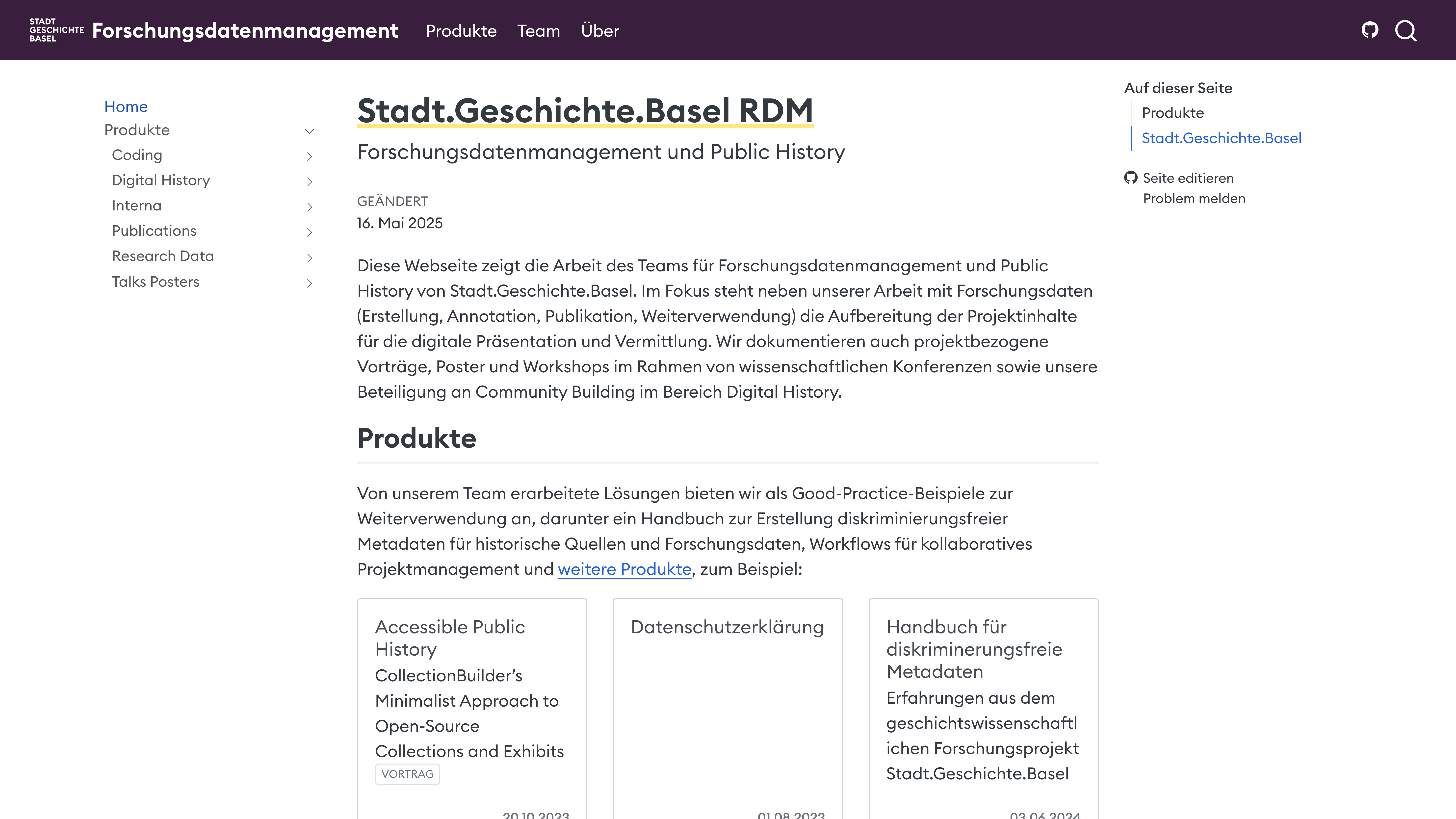
| Stadt.Geschichte.Basel RDM Project documentation platform combining research data management with public history outreach. |
 |
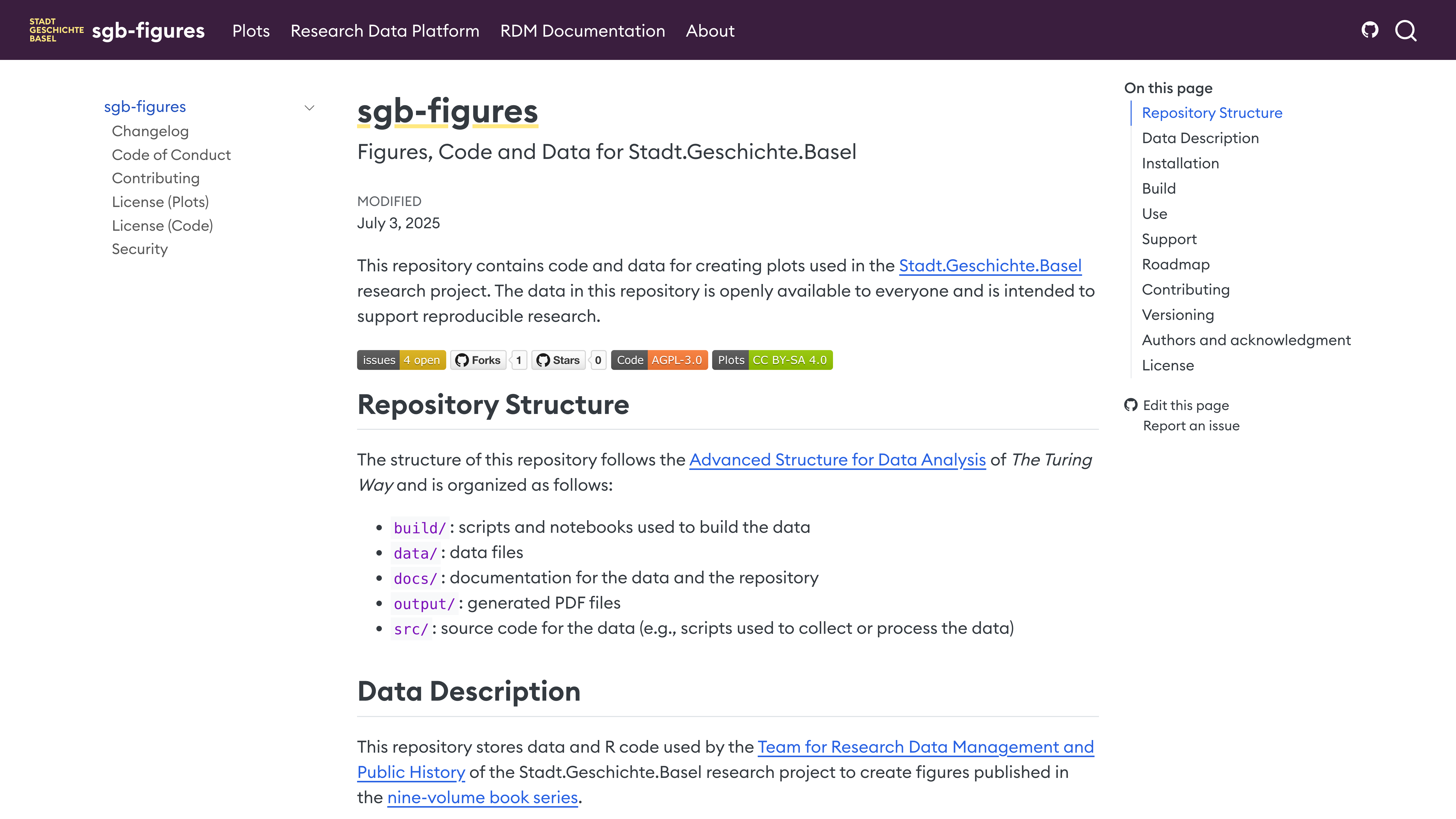
| sgb-figures Reproducible code and annotated data for publication-ready visualizations of research data. |
 |
Reproducible Research Workflows
| Project | Preview |
|---|---|
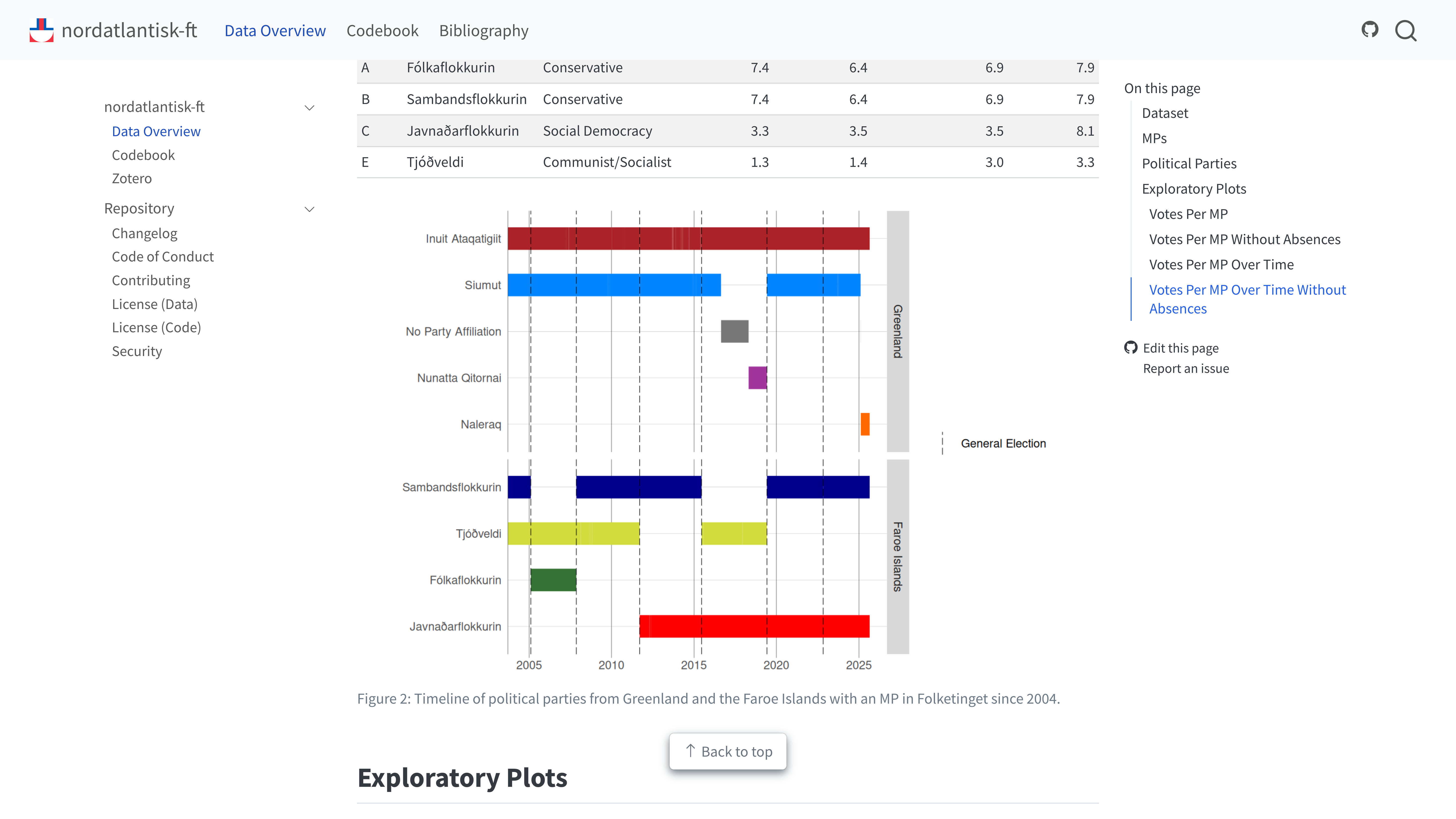
| nordatlantisk-ft Voting records from the parliament of Denmark with complete data scraping and analysis documentation. |
 |
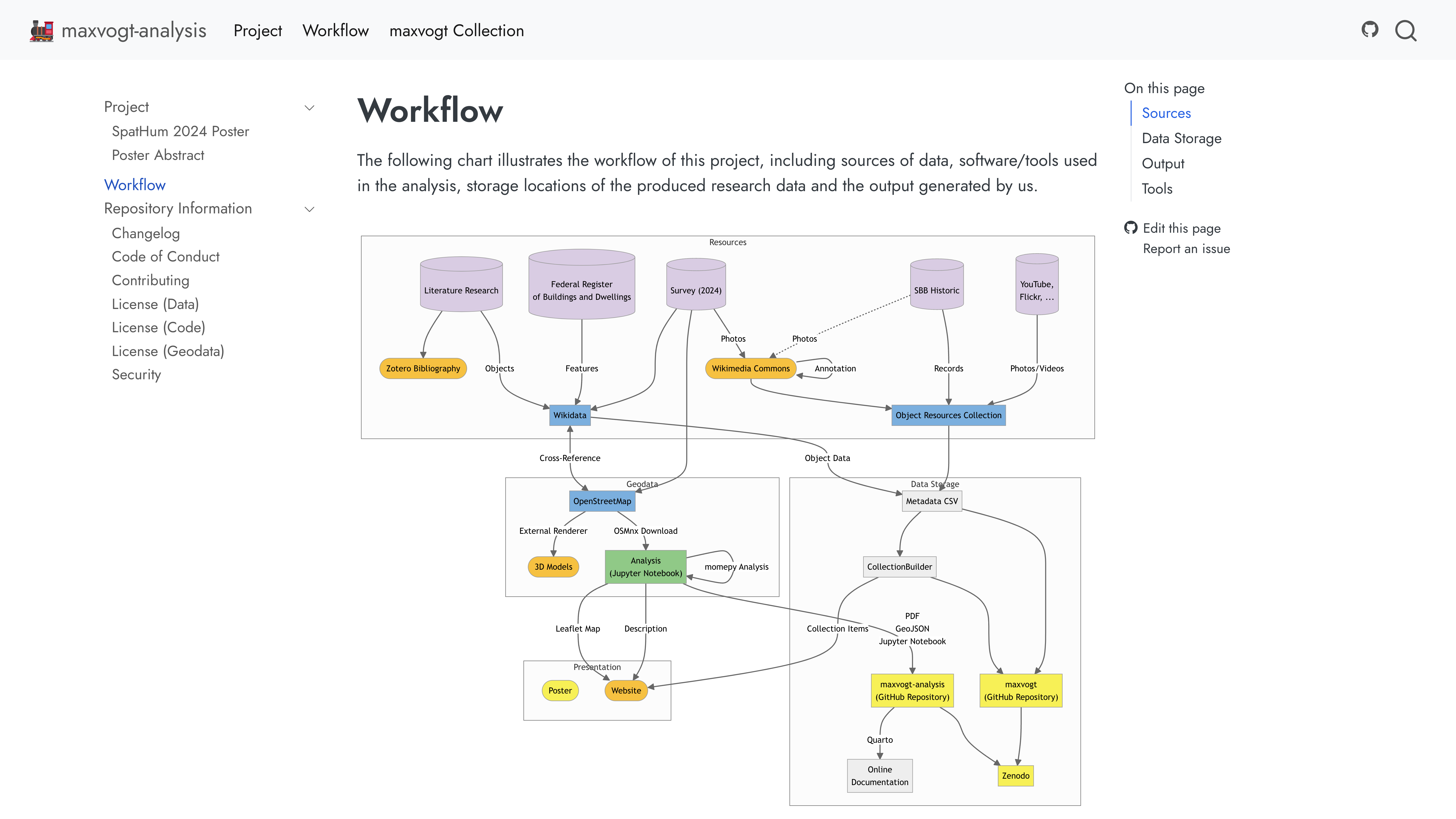
| maxvogt-analysis Multi-step data compilation workflow documentation. |
 |
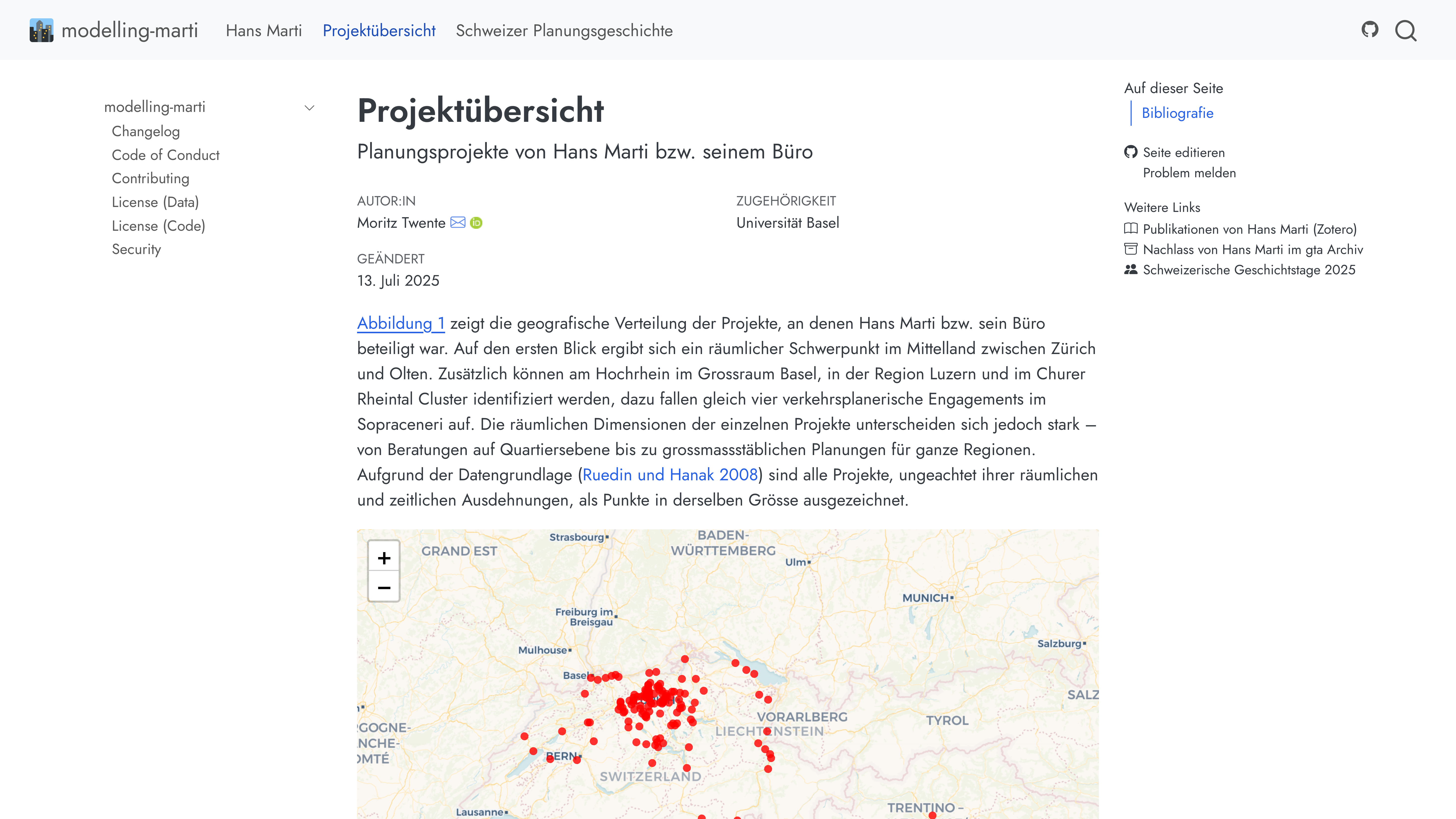
| Modelling Marti Topic modeling project with interactive visualizations and multimedia content as narrative elements. |
 |
Academic Events And Teaching
| Project | Preview |
|---|---|
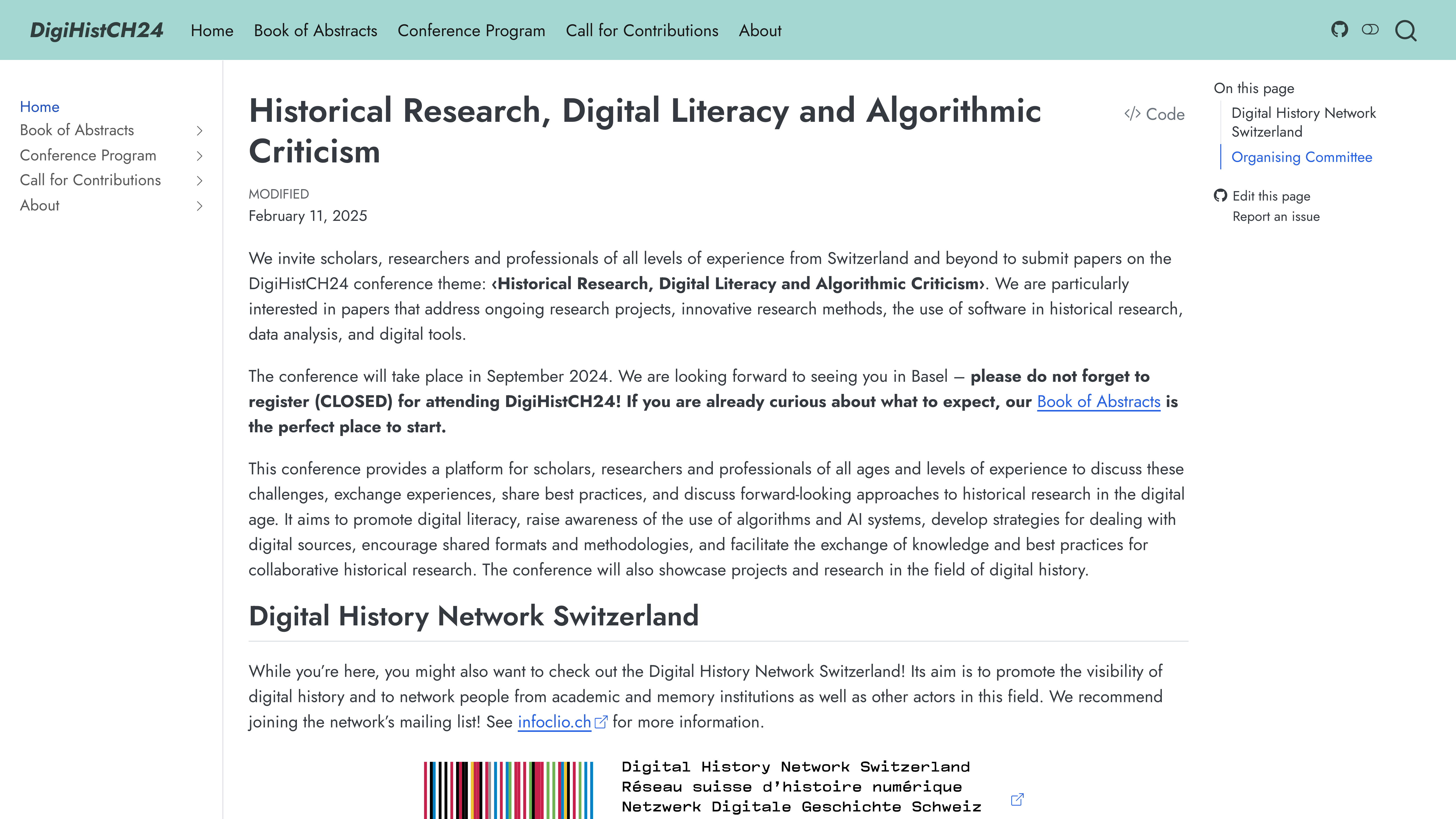
| Digital History Switzerland 2024 Conference website with program, abstracts, and participant information. |
 |
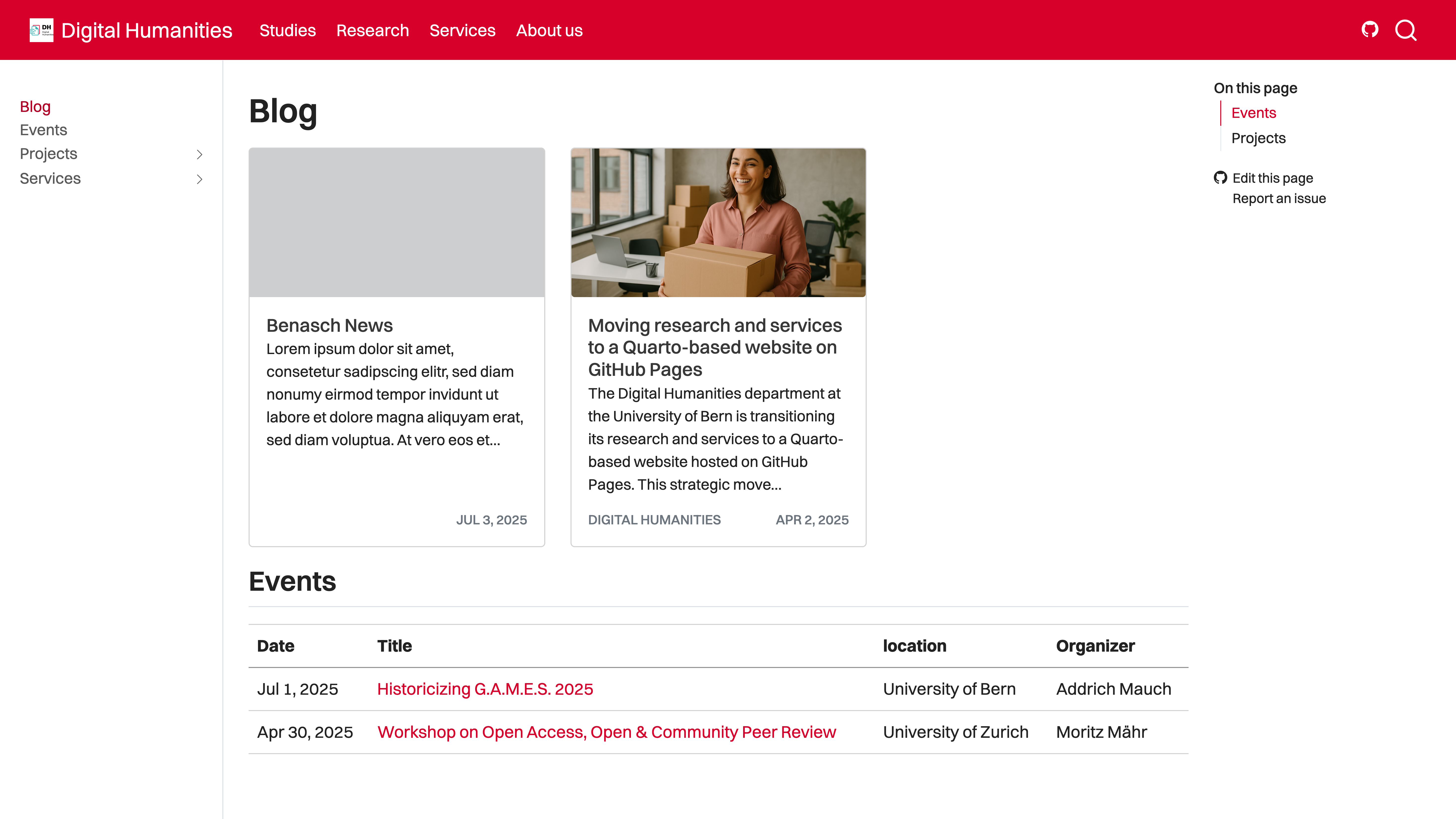
| Digital Humanities Bern Department hub featuring news, events, and course information. |
 |
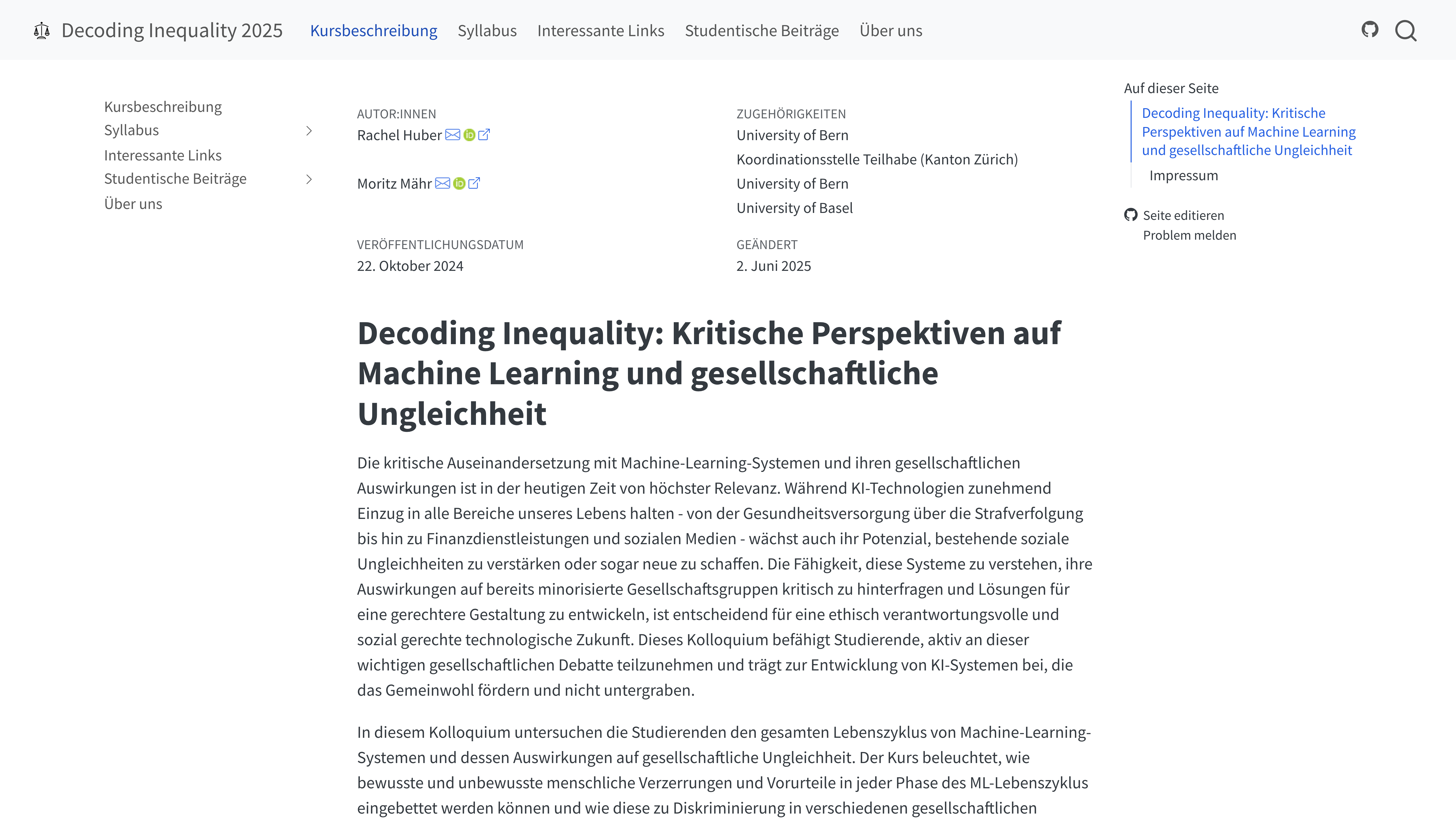
| Decoding Inequality 2025 University course website with syllabus and materials. |
 |
Living Publications And Handbooks
| Project | Preview |
|---|---|
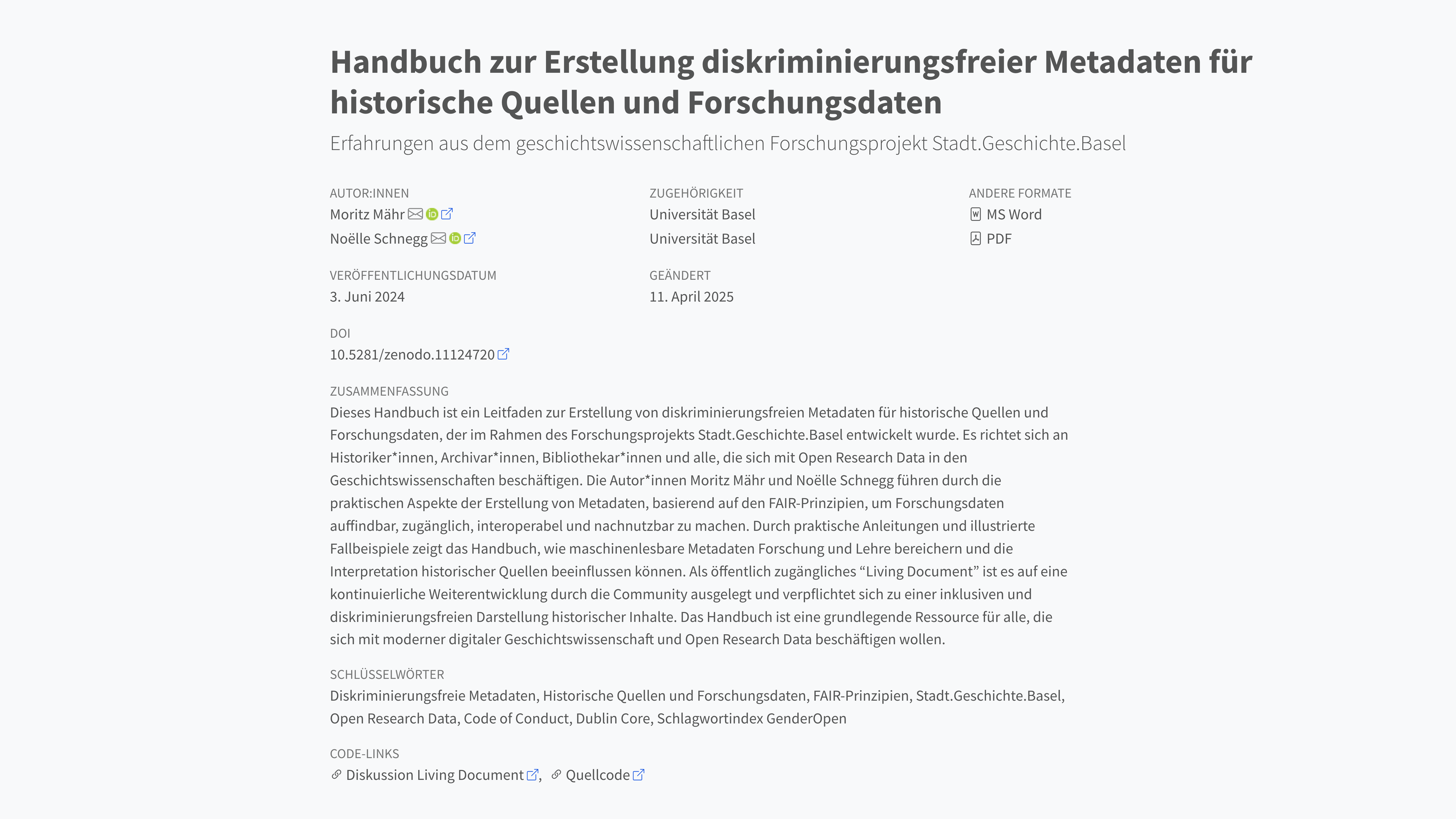
| Non-discriminatory Metadata Handbook that functions as both documentation and scholarly publication. |
 |
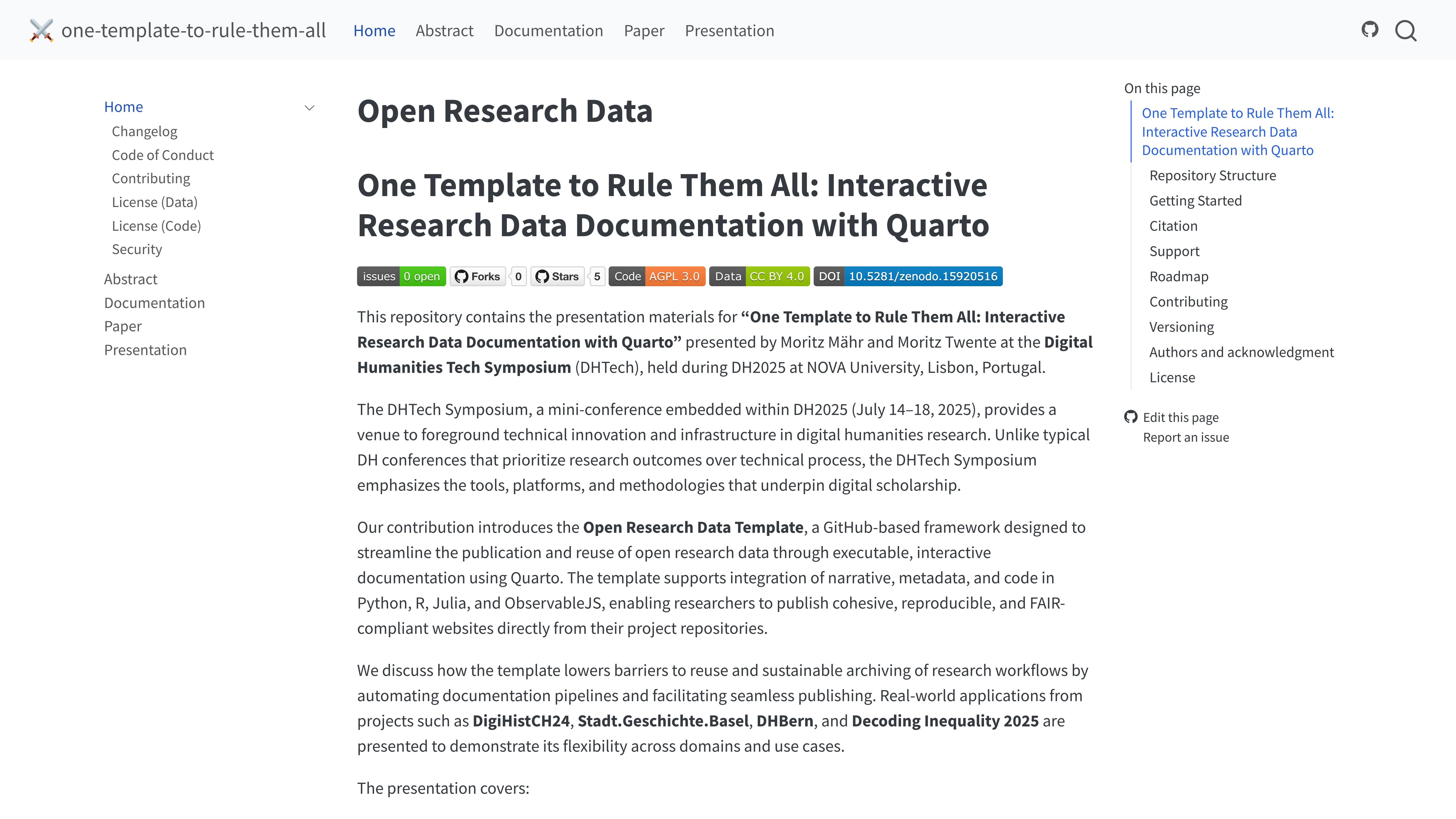
| One Template to Rule Them All This repository’s own presentation site, demonstrating meta-application of the template. |
 |
Academic Recognition
This approach was presented at the Digital Humanities Tech Symposium (DHTech) 2025:
Mähr, M., & Twente, M. (2025). One Template to Rule Them All: Interactive Research Data Documentation with Quarto. Digital Humanities Tech Symposium, NOVA University Lisbon. https://maehr.github.io/one-template-to-rule-them-all/.
Support
This project is maintained through public GitHub channels so answers stay visible and reusable.
| Type | Platform |
|---|---|
| 🚨 Bug reports | GitHub Issues |
| 📊 Report bad data | GitHub Issues |
| 📚 Docs issues | GitHub Issues |
| 🎁 Feature requests | GitHub Issues |
| 🛡 Report a security vulnerability | See SECURITY.md |
| 💬 General questions | GitHub Discussions |
Contributing
See CONTRIBUTING.md for contribution guidance and the code of conduct.
License
Data are released under CC BY 4.0. Code is released under AGPL 3.0.